Privacy Tool Spotlight: DNS

We are not going to sugarcoat this: writing about the Domain Name System (DNS) is rarely an exciting topic. Usually. It either quietly does its job in the background, or it fails spectacularly. That is exactly what happened on May 5, 2026, when a DNS mistake took down Germany's entire top-level domain. Every site ending in ".de" suddenly vanished for millions of users.
Yet DNS becomes a lot more interesting when you look at it through the lens of security and privacy. Just because most people have never heard of DNS or do not fully understand what it does, that does not mean it cannot deliver real benefits to you. You do not need to be a networking expert to take advantage of it. Let's dive in and explore what is possible.
What is DNS?
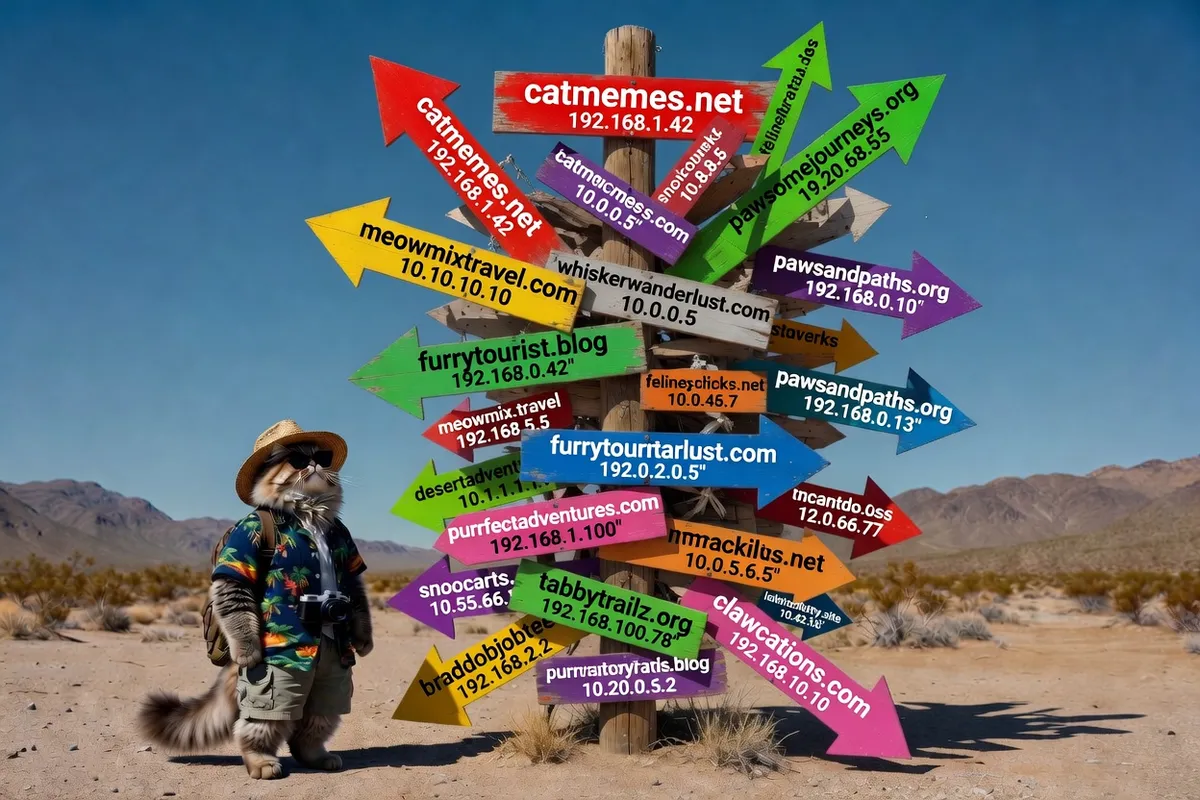
Think of DNS as the phonebook or directory of the internet. Every time you type a website address like "google.com" or "youtube.com" into your browser, DNS quietly translates that easy-to-remember name into a string of numbers (an IP address) that computers actually understand.
Without DNS, you would need to memorize long numbers for every site you visit. Thanks to DNS, you can simply type a name and get where you want to go, usually in a fraction of a second. It works invisibly in the background every single time you browse the web, send an email, or use an app.
The Problems with Default DNS
As we saw on May 5, when DNS fails, it can fail in spectacular fashion. There have been several such incidents in recent history. Even if your device uses the best DNS services available, there is often little it can do when the root of the problem lies elsewhere.
Beyond outright outages, DNS has other important weaknesses. Your mobile carrier or internet service provider can see every single DNS query your devices make. While most website traffic is now encrypted, DNS queries usually are not. This means your ISP can build a clear picture of your online habits, interests, and even the types of devices you own.
For example, they may not see exactly what you are reading on Booking.com or Amazon.com, but they can tell you visited those sites. Over time, the sites you visit every day reveal a lot about your lifestyle, hobbies, and personal interests.
Your devices also send thousands of DNS queries throughout a normal day. Each device has its own distinct "signature." A streaming TV box queries very different services than a smartphone. An Apple device talks to different servers than an Android or Windows device. Smart appliances, laptops, tablets, and even gaming consoles all add to this portrait.
Internet providers can collect this data and use it to build detailed marketing profiles about you and your household.
Better Options
The good news is that better, more private DNS options are now widely available. Modern encrypted DNS protocols hide your DNS queries so your ISP can no longer see which websites you are visiting.
Here are the main options available today:
- DNS over HTTPS (DoH): Encrypts your DNS requests inside normal HTTPS traffic (the same secure connection your browser uses for banking sites). It is the easiest and most widely supported option.
- DNS over TLS (DoT): Encrypts DNS using the same technology as secure email. Many routers and devices support it.
- DNS over QUIC (DoQ): The newest and fastest option, designed for speed and strong privacy.
Popular services that offer these include Cloudflare (1.1.1.1), Quad9, and NextDNS. Many of them also block malware, phishing sites, and trackers automatically.
What about DNSSEC?
DNSSEC is a separate but important security layer. While encrypted DNS protects who can see your queries, DNSSEC protects what those answers contain. It uses digital signatures to verify that the IP address you receive is the real one and has not been tampered with by attackers.
Together, encrypted DNS plus DNSSEC gives you much stronger privacy and security without slowing down your internet.
Switching to a good encrypted DNS provider is one of the simplest upgrades you can make for better online privacy.
What Was That About Blocking?
This is the part we are most excited to share with you today. You now understand what DNS is and the privacy problems with the default option. You have also seen how encrypted DNS improves your privacy. But the real power comes when DNS goes even further and actively blocks threats before they reach your device.
Because DNS works like a directory, smart providers can add blocklists that stop known bad sites from ever loading. These lists block malware, phishing attempts, trackers, and even advertisements. The lists are constantly updated as new threats appear.
The results are impressive. Many people notice faster page loads, fewer annoying pop-ups, and a noticeably cleaner browsing experience.
Pairing a strong DNS service with a privacy-focused browser like Brave takes things to another level. When Brave’s Shields are set to Aggressive and you combine it with a good blocking DNS, you get powerful protection with very little effort.
Testing
To show you how big a difference this can make, we tested Control D’s free Family Friendly encrypted DNS on an iPad using cellular service. We picked Control D because it is very easy to set up: just download the app, enter “family” in the resolver ID, and tap configure.
We ran tests on both Safari and Brave across several well-known ad-blocking test sites. We also compared the results against a popular VPN in both free and paid modes.
Here are the results:
Turtlecute Ad Blocker Test (https://adblocktester.pages.dev/)
| Condition | Safari | Brave |
|---|---|---|
| Normal | 8% | 69% |
| DNS Free | 95% | 98% |
| DNS Paid | 94% | 98% |
| VPN Free | 8% | 70% |
| VPN Paid | 87% | 94% |
AdBlock Tester (https://adblock-tester.com/)
| Condition | Safari | Brave |
|---|---|---|
| Normal | 60% | 100% |
| DNS Free | 74% | 100% |
| DNS Paid | 78% | 100% |
| VPN Free | 65% | 100% |
| VPN Paid | 74% | 100% |
Adblock Tester (https://adblocktester.pages.dev/)
| Condition | Safari | Brave |
|---|---|---|
| Normal | 13% | 78% |
| DNS Free | 88% | 97% |
| DNS Paid | 94% | 97% |
| VPN Free | 15% | 78% |
| VPN Paid | 86% | 94% |
Obfuscated Ad Block Test (https://obfusgated.com/tools/ad-block-test)
| Condition | Safari | Brave |
|---|---|---|
| Normal | 14% | 72% |
| DNS Free | 84% | 93% |
| DNS Paid | 91% | 94% |
| VPN Free | 14% | 73% |
| VPN Paid | 85% | 92% |
As you can see, even the free version of a good encrypted DNS dramatically improves ad and tracker blocking, especially on Safari. At the same time, all your DNS queries stay hidden from your mobile carrier. A privacy-focused browser like Brave can make the results even better.
Move to a Better DNS
While we love the power you get from pairing Brave with Control D’s free offering, there are many other strong options available. Services like Cloudflare, Quad9, NextDNS, Mullvad, and Control D all provide excellent privacy, blocking features, and easy setup guides.
Most of them include clear, step-by-step instructions for phones, tablets, computers, and even home routers. Whichever service you choose, switching to an encrypted DNS is one of the quickest and most effective privacy improvements you can make today.
Remember: We may not have anything to hide, but everything to protect.