Escape the Silo: Hot, Warm & Cold Privacy Resilience

"Two is one, and one is none" is a military adage, most famously associated with the Navy SEALs. It simply means you should always have a backup for anything that truly matters. The same principle applies to your privacy tools and overall tech setup.
Whether you are moving away from Big Tech for better privacy, or you simply want services that are not tied to one specific solution or even country, having a solid migration plan is essential. It prevents you from getting locked into yet another single solution.
A lot of people follow the common IT advice of going "like for like." That can work for a quick switch. But now is the perfect time to create a real long-term plan. That way, the next transition (and there will always be another one) goes smoothly instead of becoming a headache.
We want to share our own approach with you. Take what fits your needs, and ignore the rest. In this post we focus on three practical areas: redundancy, data portability (for easier backups and migrations), and reliable backup strategies.
Feel free to let your eyes glaze over at that list for a second. We will break everything down into plain, everyday language so it actually makes sense and feels doable.
Redundancy
When people ask about our Privacy Toolbox, one of the most common questions is whether we rely too heavily on a single vendor or app. What many readers miss is that we list our alternatives alongside our main choices when available.
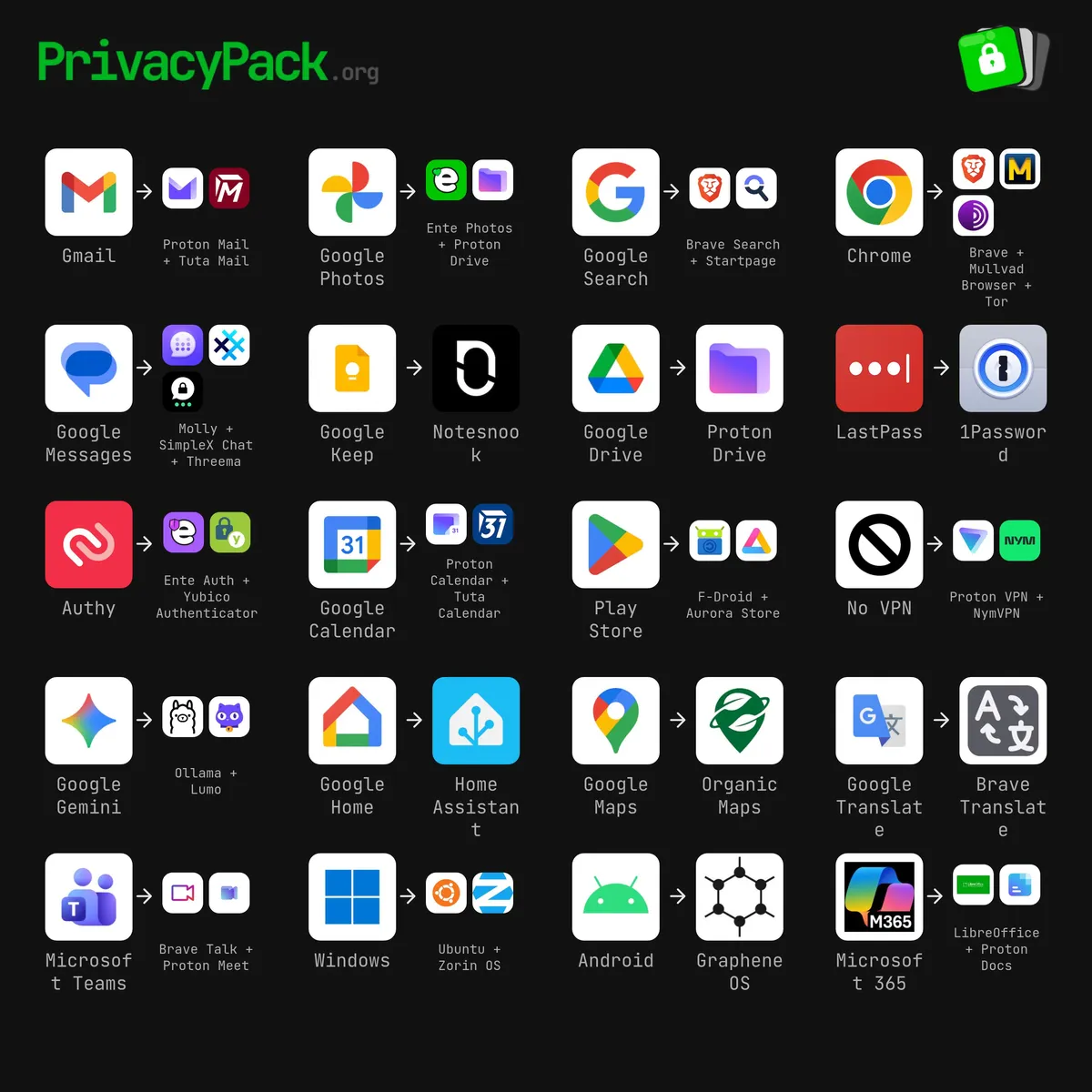
Let us use our authenticator setup as a clear example.
Our primary tool is Ente Auth because it offers strong features at no cost. While we were moving to Ente Auth, we noticed we could no longer export shared secrets from our old authenticator app. Cloud sync was great when it first came out over a dozen years ago, but cloud sync alone is not enough when you need to move. We chose Ente Auth specifically because it lets us create encrypted exports. This makes it easy to switch to something like Proton Auth if we ever want to, or simply store an encrypted backup outside of Ente.
As a hot backup, we also use Yubico Authenticator. This solution stores your codes on a physical YubiKey. It is one of the most secure options because the key stays air-gapped, but it is less convenient for daily use and you cannot export the secrets from it.
We keep both Ente Auth and our YubiKeys in sync at all times. If one becomes unavailable for any reason, the other is ready to use immediately. We also maintain an encrypted backup in secure storage so we can migrate to a completely different tool if needed.
One important note: never store your TOTP 2FA shared secrets in the same password manager as your login credentials. Even though most password managers support this, it creates a single point of failure. If that vault is ever compromised, the attacker has everything needed to take over your accounts. This exact scenario happened to someone as described in this New York Magazine article.
Hot, Warm, and Cold Backups
When choosing a primary tool and its alternative, we think in terms of hot, warm, or cold backups. This simple framework helps you build real redundancy for your privacy tools instead of depending on just one option.
Hot Backup
A hot backup stays in active, real-time (or near real-time) sync with your main tool. Switching is almost effortless.
Characteristics:
- Data stays continuously, automatically, or manually synchronized.
- Both tools are live and ready at any time.
- You can switch instantly with almost no extra work.
Example:
Both Ente Photos and Proton Drive can automatically back up photos from your device, ensuring you have copies in two separate ecosystems.
Warm Backup
A warm backup is mostly up to date and can be brought current quickly when needed. It is not perfectly synced all the time, but the effort to update it is low.
Characteristics:
- Core information stays reasonably fresh.
- You only do light manual syncing on a schedule or when required.
- Switching usually takes minutes to a few hours.
Example:
Using Proton Calendar as primary and Tuta Calendar as warm backup. Shared holidays, birthdays, and recurring events stay in both. We keep each in a separate ICS file to make management easier. We add one-off appointments to the main calendar and export them to an ICS file for import into the other at regular intervals.
Cold Backup
A cold backup is a static, offline copy that you only activate if everything else fails. It requires the most work to restore.
Characteristics:
- Data is exported and stored safely but not kept in sync.
- You must install the app and import everything when you need it.
- Highest effort to switch, but lowest day-to-day maintenance.
Example:
We use Notesnook as our daily notes app, and have identified Joplin as cold backup. We export a copy of our notes from Notesnook in markdown format at regular intervals. If we ever need to switch, we can install Joplin and import the markdown files. It takes time, but the backup is always there.
Quick Comparison
| Type | Synchronization Level | Effort to Switch | Best For | Maintenance Overhead |
|---|---|---|---|---|
| Hot | Real-time / automatic | Near zero | Critical daily tools (auth, passwords) | Higher |
| Warm | Periodic / partial | Low to moderate | Calendars, contacts, daily use | Medium |
| Cold | Static / on-demand | High (install + import) | Notes, documents, archives | Lowest |
This Hot / Warm / Cold approach gives you a practical way to evaluate any privacy tool. Use hot backups for things you rely on many times a day, warm for things that change regularly, and cold for everything else. You can apply the same thinking to password managers, email, file storage, browsers, and more.
The goal is simple: never depend on just one tool. Always have a deliberate backup plan at the right level of readiness.
Data Portability
Having a basic understanding of portable data formats is key. It helps you choose the right tools and back up your information outside of any single service.
A great example is the ICS (iCalendar) format. It is a universal file type (.ics) that almost every calendar app can read and write. This makes it easy to move your events, appointments, and to-dos between different services.
Another standard is VCF (vCard). It is the go-to format for contacts. You can export names, phone numbers, emails, addresses, and more, then import them into almost any contact app.
For email, the EML format lets you save individual messages as simple files. You can back them up or import them into apps like Thunderbird.
When it comes to documents, two very portable options stand out: Markdown and RTF.
Quick Overview
- Markdown: A simple way to format text using plain symbols (like
#for headings or**for bold). The files are.mdand stay fully readable in any basic text editor. - RTF (Rich Text Format): An older format that can hold fonts, colors, and basic layout. Files end in
.rtfand work in most word processors.
Key Comparison
| Aspect | Markdown | RTF |
|---|---|---|
| File Type | Plain text with simple markup | Text-based with formatting codes |
| Readability | Excellent — opens in any text editor | Poor without a word processor |
| Editing | Keyboard-friendly, often not WYSIWYG | WYSIWYG in most word apps |
| Formatting | Basic (headings, bold, lists, tables, links) | More advanced (fonts, colors, layout) |
| Portability | Extremely high — works everywhere | Good between word processors |
| Version Control | Excellent with tools like Git | Poor |
| File Size | Very small | Larger |
| Learning Curve | Easy for basics | None for normal use |
Choose the format based on how much styling you need. For most people, Markdown offers the best balance of simplicity and long-term freedom.
Other Solutions
Redundancy is not always about data formats. Sometimes it comes down to using different tools that achieve the same goal in different ways.
For example, we rely on Proton VPN as our main VPN. It delivers excellent speed, IPv6 support, Secure Core routing, and streaming access. But if it ever becomes unavailable, we need a ready alternative.
That is why we also have NymVPN installed and tested. It offers a Fast Mode (2-hop) for everyday use and a Mixnet Mode (5-hop) for maximum anonymity. Both are ready to go whenever we need them. And yes, we do need to complete a writeup on it.
The key takeaway is this: install and test your backup privacy tools now. Do not wait until a service disappears or gets blocked. We have seen this happen too often around the world. Pick your alternatives, set them up, and confirm they work before you actually need them.
Start Building Your Escape Plan Today
Escaping the silo is not about doing everything perfectly right now. It is about making small, smart choices that give you freedom and peace of mind later.
By thinking in terms of hot, warm, and cold backups, choosing tools that support portable formats like ICS, VCF, EML, and Markdown, and keeping real alternatives installed and tested, you move from being locked in to being in control.
You do not need to switch everything at once. Pick one category this week - your authenticator, your calendar, your notes, or your VPN - and set up a simple backup. Test the switch. Get comfortable with the process. Then move to the next area.
The internet changes fast. Services come and go. Policies shift. Companies get acquired. When the next disruption happens, you will not be scrambling. You will simply open your backup and keep going. That is the real goal: resilience without the stress.
Remember: We may not have anything to hide, but everything to protect.